
SCROOMS Discord: Official Invite and Community Links
SCROOMS DISCORD / OFFICIAL DESTINATIONS
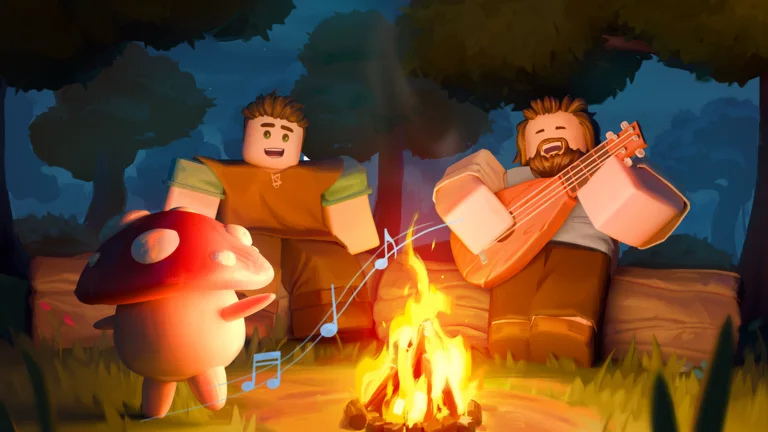
The reviewed SCROOMS Discord invite is discord.gg/scrooms. It points to the community for the musical mushroom-catching game, not this independent guide’s feedback inbox.
SCROOMS Discord Invite and Identity Check
Section titled “SCROOMS Discord Invite and Identity Check”The public invite API returned the server name SCROOMS and guild ID 1525909177514590299 in the 24 October 2026 snapshot. Its description names the open-world Roblox adventure about collecting mushroom creatures with musical instruments.
Check the destination Discord displays before joining. An invite working on the review date is not a guarantee that server settings, access requirements or channel names remain unchanged.
SCROOMS Official Game and Creator Community
Section titled “SCROOMS Official Game and Creator Community”| Destination | Direct link | Purpose |
|---|---|---|
| SCROOMS Discord | discord.gg/scrooms | Game community and current announcements |
| Roblox experience | Play SCROOMS | Official game listing; place 97927337336367 |
| Roblox creator community | SCROOMS group | Matching publisher community; group 1045333476 |
The linked creator group is shown as SCROOMS in the official game record. No developer-run Trello board was confirmed in the reviewed material, so this guide does not supply a guessed board URL.
Find SCROOMS News, Codes or Quest Help
Section titled “Find SCROOMS News, Codes or Quest Help”The launch community guide describes announcement, update and help channels. Follow the channels and rules visible after you join; this website has not inspected private channel history or tested every support control.
For a quest report, bring the quest name, current objective, device and what happened. Do not share a password, security code or Roblox session cookie. For reward announcements, compare the evidence with our dated SCROOMS codes page.
Website Corrections Are Separate
Section titled “Website Corrections Are Separate”The game community does not maintain this website’s articles. To report an outdated instruction on this guide, use the website correction channel with the affected URL and current-game evidence.
For Roblox account issues, use Roblox Support. For the next game update’s published window, check SCROOMS Undergarden.
Sources & version notes
Sources reviewed 24 October 2026. Community steps are source-reported; this guide does not claim an independent in-game playtest.
- Discord: public SCROOMS invite API
- Roblox: creator group record
- AllThingsHow: launch-period community and channels reference